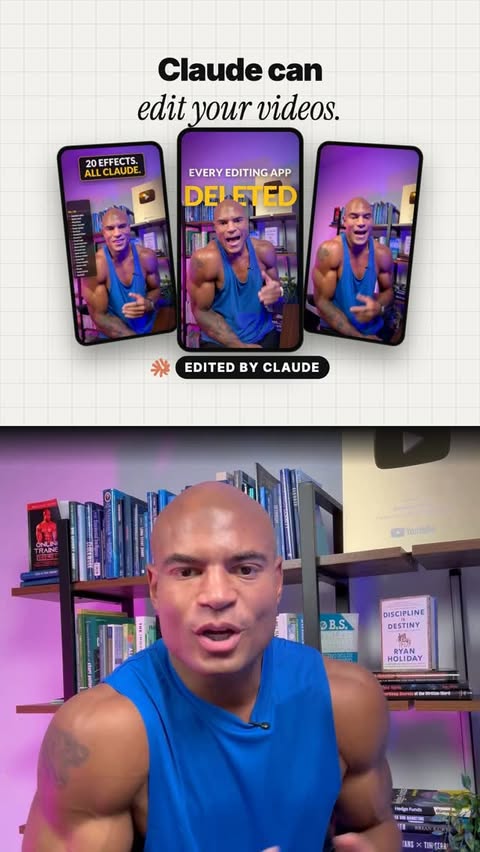
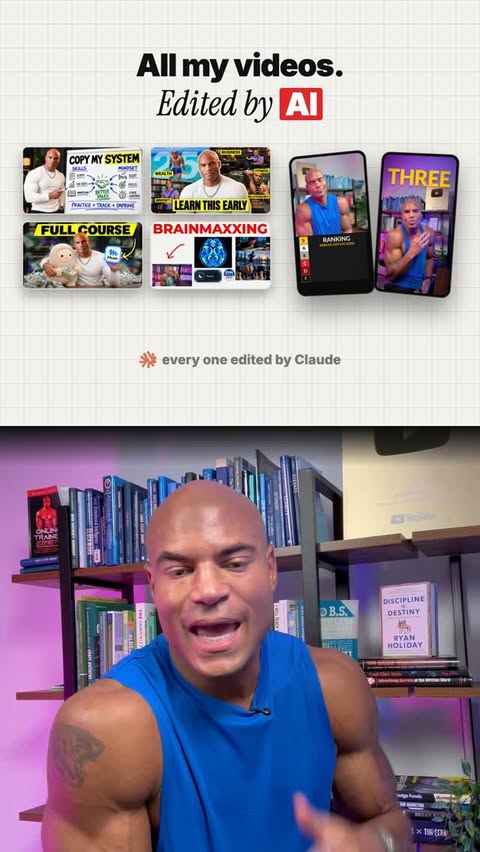
You give Claude a folder of your footage and music plus your style rules, then save the style it learns. After that you drop in a raw one-take video and Claude cleans the sound, cuts the mistakes and edits it your way.
Claude CodeSkills by use case, each with what it does and what it needs.
24 skills in Content editing, sorted by top

You give Claude a folder of your footage and music plus your style rules, then save the style it learns. After that you drop in a raw one-take video and Claude cleans the sound, cuts the mistakes and edits it your way.
Claude Code
Takes a video and automatically burns in those bouncing, word-by-word highlighted captions you see on TikTok and Shorts, and can even copy the caption style from a screenshot you give it.
Claude Code
Gives you a ready-made prompt that makes Claude build a video effect where a big word appears to pass behind your head in a clip, like a trendy social media edit.
Claude Code
Moves a video you made in another tool (like Remotion, Lottie, Three.js or After Effects renders) into HyperFrames. It then checks frame by frame that the new version looks like the original, so you get an editable copy.
HyperFramesHeads up: Orbit flagged something to check before you run it. See the full page.

Takes any video you give it, studies it closely, and rebuilds it as a video project you can edit. You end up with a copy that matches the original frame by frame, so you can change text, timing or visuals. It needs a paid HyperFrames Pro plan.
Claude CodeHeads up: Orbit flagged something to check before you run it. See the full page.

Teaches your AI to make videos from web code, then preview and export them. You can get launch videos, explainers, charts, captions, title cards and vertical clips, all of which stay editable.
HyperFrames
HeyGenHeads up: Orbit flagged something to check before you run it. See the full page.

Gives your AI a shelf of about 450 ready-made video pieces, like transitions, titles, captions, charts, glitch and film grain effects. It adds them to your video project so you can tweak them rather than build from scratch.
HyperFramesHeads up: Orbit flagged something to check before you run it. See the full page.

Lets your AI run the HyperFrames video tool through typed commands. It can start a project, check it for problems, preview frames, edit the timeline and export the finished video on your computer or in the cloud, and it can fix errors when something breaks.
HyperFrames
HeyGenHeads up: Orbit flagged something to check before you run it. See the full page.

A reference guide of specific scene-transition tricks (like zoom-throughs and cascading entrances) for making video cuts look smooth and professionally timed instead of jarring. You use it to make polished-looking video transitions when building motion graphics.
HyperFrames
Gives Claude a ready-made prompt to build a video effect where your raw footage wipes over into a color-graded version, with 'before' and 'after' labels on each side — great for before/after reels.
Remotion
Give it a list of tools or products, and it ranks them into S-to-D tiers with a one-line reason each, then builds an animated video overlay of that tier list over your clip, under your chin, with logos flying in.
Claude Code
Takes a video clip and freezes it right at your thumbs-up moment, cutting you out as an outlined sticker with your name and role tagged next to you.
Remotion